


FlexiCare choosing guide
Choosing a sound amplifier, made simpler.
Start with the things that affect everyday use: how the product fits, how you control it, how often it needs charging and whether you want Bluetooth.

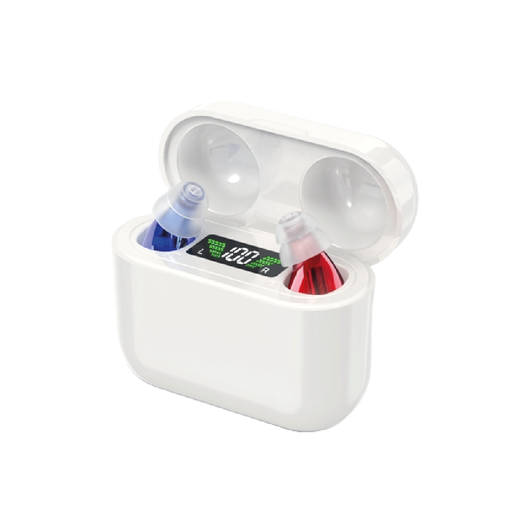
Step 1 · Style
Start with how you would like to wear it.
You can ignore most of the technical detail at first. Choosing between an in-ear and behind-ear style will narrow the range down quickly.
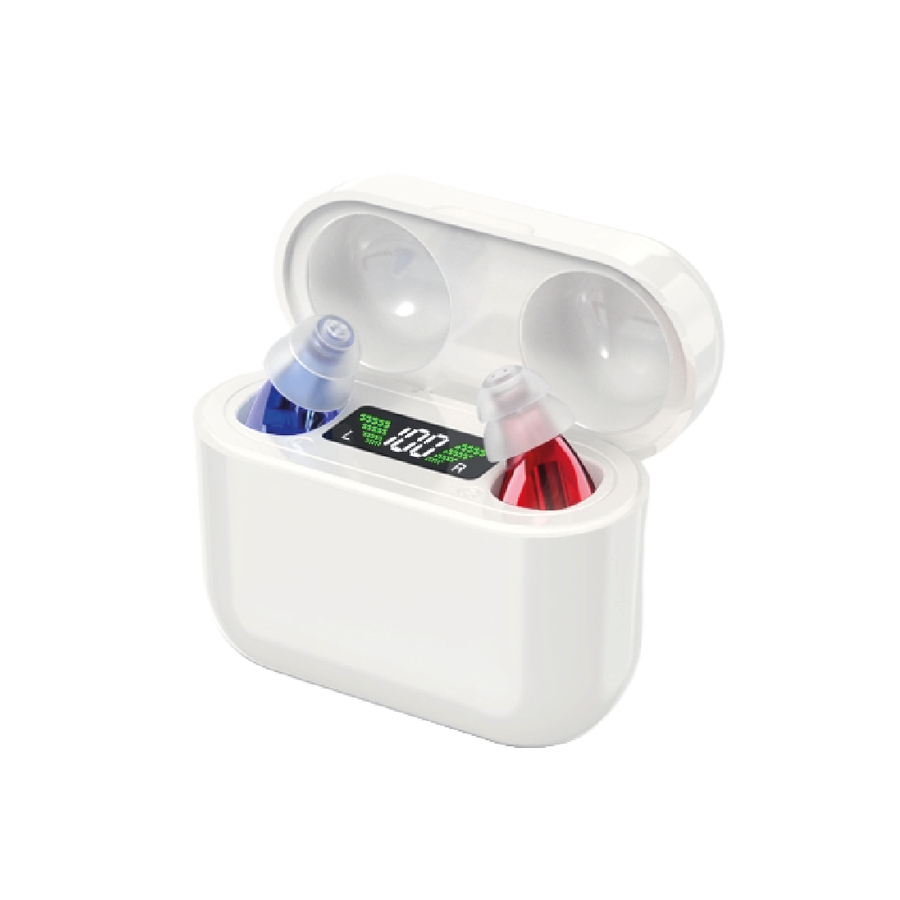
Compact and discreet
These sit in the ear in a familiar earbud-style shape. They are easy to carry and come with different fitting-tip sizes.
- Small and lightweight
- Choice of touch or simple volume controls
- Charging case keeps the pair together
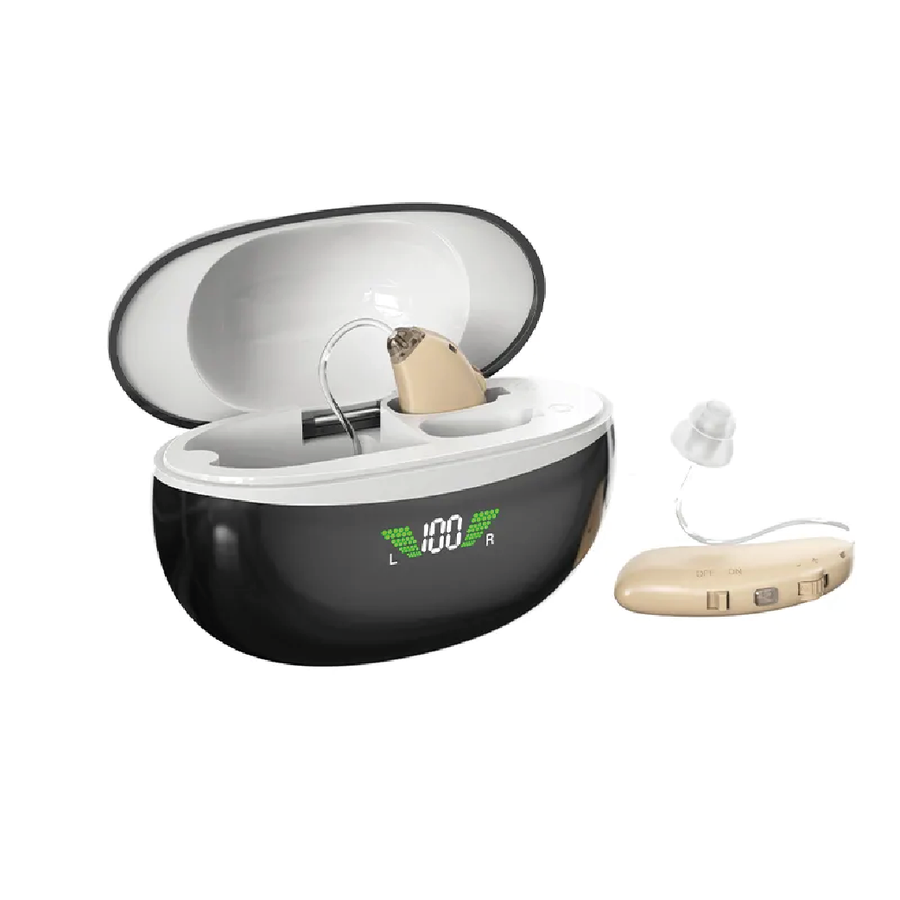
Larger controls, familiar fit
The main body sits behind the ear. The larger body gives selected models physical controls that are easier to locate by touch.
- Physical controls on selected models
- Rechargeable options
- Bluetooth available on selected models

Step 2 · Controls
Choose the controls you would rather use every day.
Some models use touch controls. Others use a physical wheel or buttons. There is no “best” option here. The useful question is simply which one feels more natural to you.
A light tap changes settings without a small dial. Look at the IE02 and BT04 if you prefer this style.
A wheel or button gives you something you can feel with your fingers. The BE01 is the clearest example in the range.
Step 3 · Charging
Decide how often you want to charge it.
All current FlexiCare core models are rechargeable. The main difference is how long they are quoted to run between charges.
Quoted battery life is useful for comparing models, but actual use can vary. The important thing is choosing a charging routine you will find easy to keep up with.
Step 4 · Bluetooth
Bluetooth is useful, but you do not have to use it.
A Bluetooth model can connect to a compatible phone or device for calls, music and other audio. If you do not need that, there is no reason to make your choice more complicated.

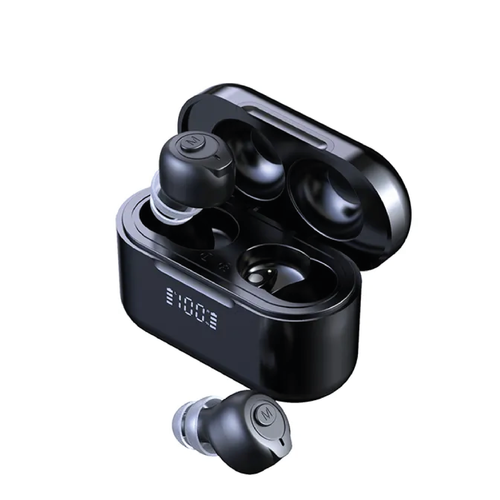
Step 5 · Fit & care
A comfortable fit makes everyday use simpler.
In-ear models include several silicone tip sizes. Try more than one size rather than assuming the first one is right. Behind-ear models use fittings designed for their format.

A fit that is too loose or too tight is unlikely to feel comfortable for long.
Use the supplied cleaning tool and follow the instructions for your model.
Clean, dry contacts help the product sit correctly in its charger.
The case gives the product a consistent place to stay between uses.
Quick model finder
If you already know what matters most to you...
Compact in-ear design with simple volume adjustment.
View IE05 → Simple starting pointIE01Lightweight rechargeable in-ear design with straightforward controls.
View IE01 → Longest quoted batteryIE02Touch controls and up to 48 hours of quoted use.
View IE02 → Compact + 16-channelNanoSmall in-ear format with 16-channel digital processing.
View Nano → Physical volume wheelBE01Behind-ear format with a simple manual control.
View BE01 → Bluetooth in-earBT04Wireless audio plus up to 36 hours of quoted use.
View BT04 → 16-channel behind-earBE03Behind-ear design with feedback reduction and rechargeable power.
View BE03 → Bluetooth behind-earBE03 BluetoothPhysical controls with optional wireless audio.
View model →
Fit and fine-tuning
Fit first. Then fine-tune the sound.
Many everyday issues that look like a volume problem are really a fit or maintenance problem. Before making a big volume change, check that the device is seated correctly and the sound opening is clear.
The best tip is the one that feels secure and comfortable, not simply the largest.
If sound feels weak or you hear whistling, remove and re-fit the device before increasing volume.
Wax or moisture around an opening can reduce the sound reaching your ear.
Small adjustments make it easier to work out which fit or setting feels best.
Understanding the difference
Amplification and hearing care are not the same thing.
Sound amplifiers increase environmental sound for everyday listening. They are not a substitute for a professional hearing assessment or individually fitted hearing aids.
If you are worried about your hearing, have noticed a meaningful change, or are unsure whether an amplifier is appropriate for you, arrange a hearing check with a qualified hearing professional.
More advice
Useful reading when you want a little more detail.
Battery life, charging cases and what to compare.
Read guide → ComparisonIn-ear vs behind-earA deeper look at the two main product styles.
Read comparison → GuideBluetooth explainedWhat wireless connectivity adds, in plain English.
Read guide → CareCleaning and everyday careSimple habits to keep products ready for use.
Read guide →Quick answers
Still deciding?
These are the questions worth answering before you compare individual models.
Should I start with in-ear or behind-ear?
Start with whichever style you think you would find easier to wear and control. In-ear models are smaller. Behind-ear models generally give you larger physical controls.
Is longer battery life always better?
Not necessarily. A model with 20 hours may be perfectly practical if you are happy to return it to the charging case regularly. Think about the routine as well as the number.
Do I need Bluetooth?
Only if you want to connect the product to compatible devices for calls, music or other audio. It is an optional convenience, not a requirement.
What should I compare first?
Style, controls, battery life and Bluetooth. Once those are narrowed down, look at fitting options and the more detailed technical specifications.
Can I return a product if it is not right for me?
You can request a return within 30 days of delivery, subject to our returns terms. See the Delivery & Returns page for full details.
Ready to compare?
Start with two or three models, not all eight.
That usually makes the decision much easier. Pick a style first, then compare controls and battery life.